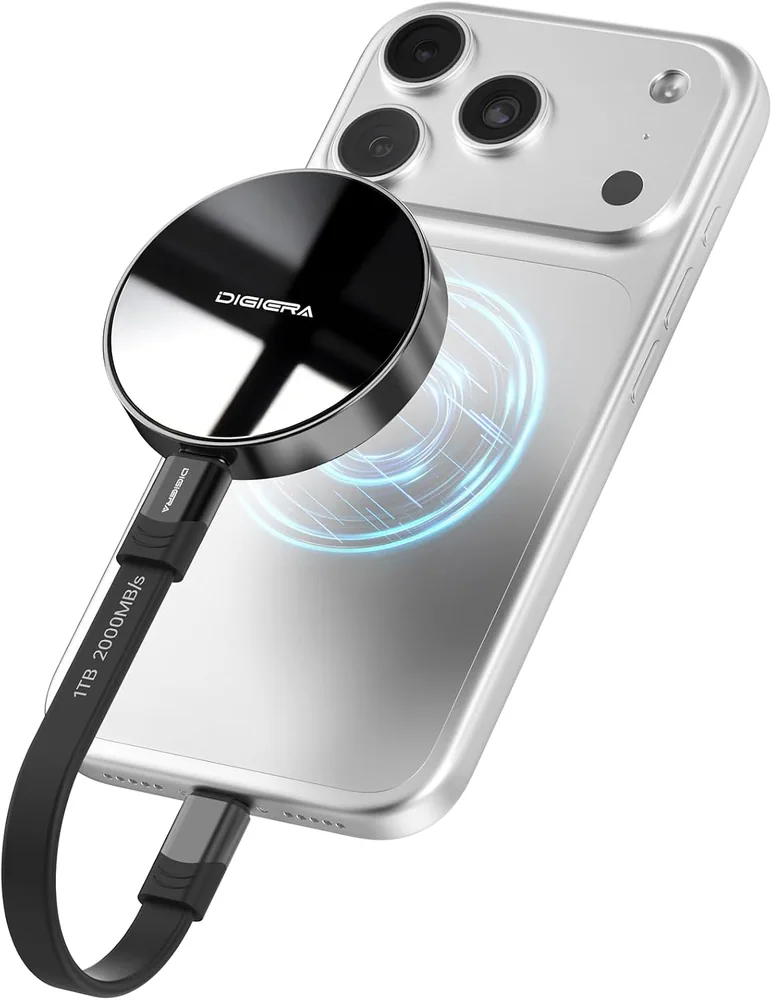
DIGIERA
Explore Amazon Gems electronics and accessories for storing files, organizing a workspace and setting up devices at home or on the go. Compare the connections and device compatibility of portable solid-state drives, the label sizes supported by compact printers, and the screen or mounting options of digital calendars and portable displays. When comparing a smart device, check which features need an app or an account. For charging and power accessories, review the outlet type and power rating on the exact listing. Select a model to find its documented details and confirm the configuration on Amazon before ordering.
37 product families represented in this category.

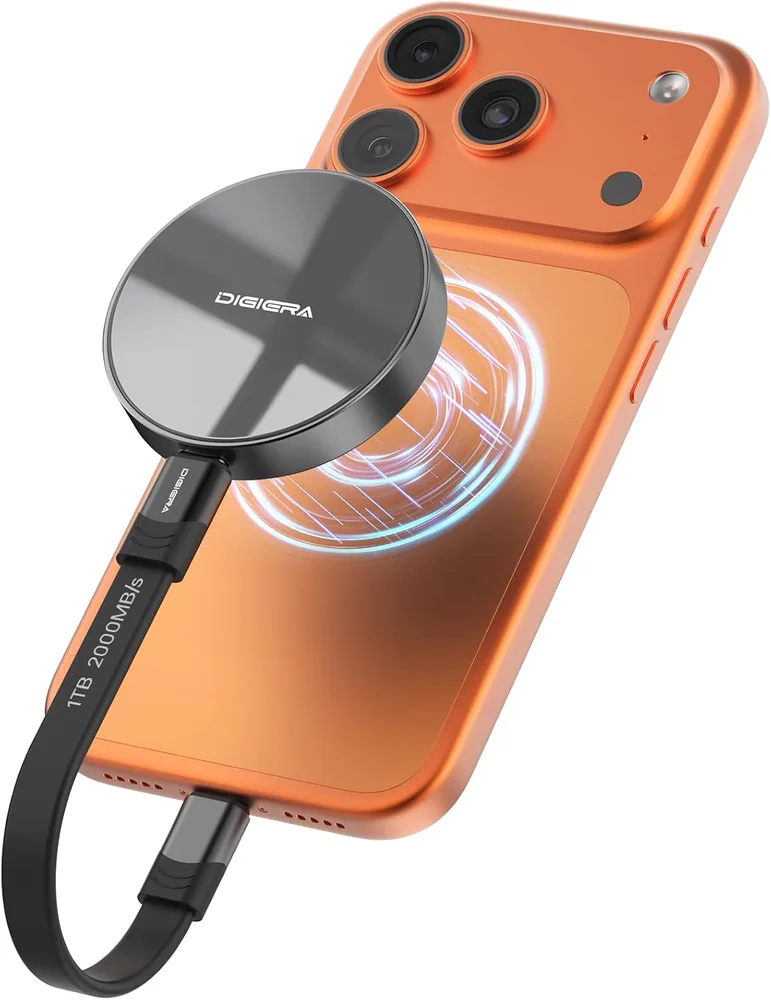
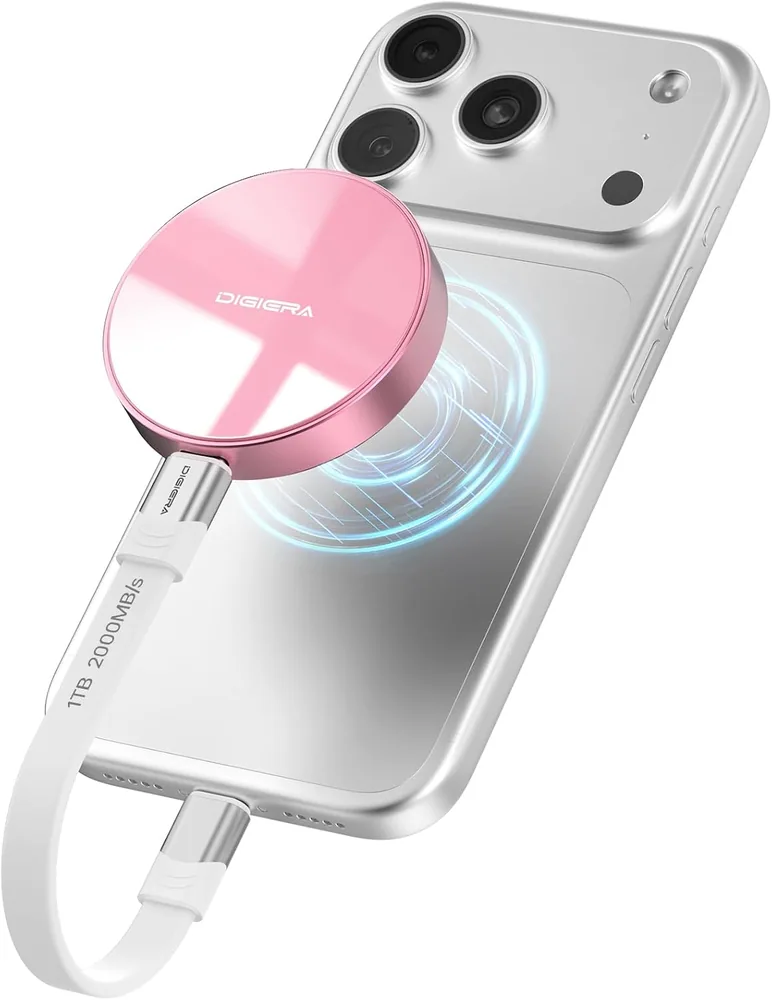

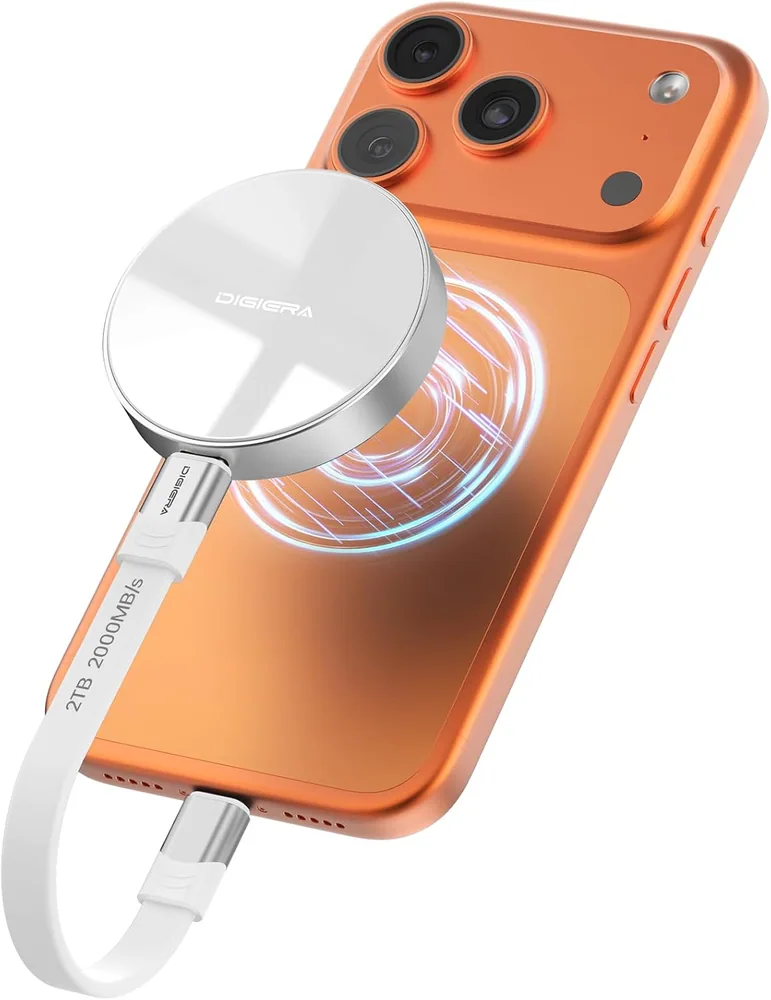
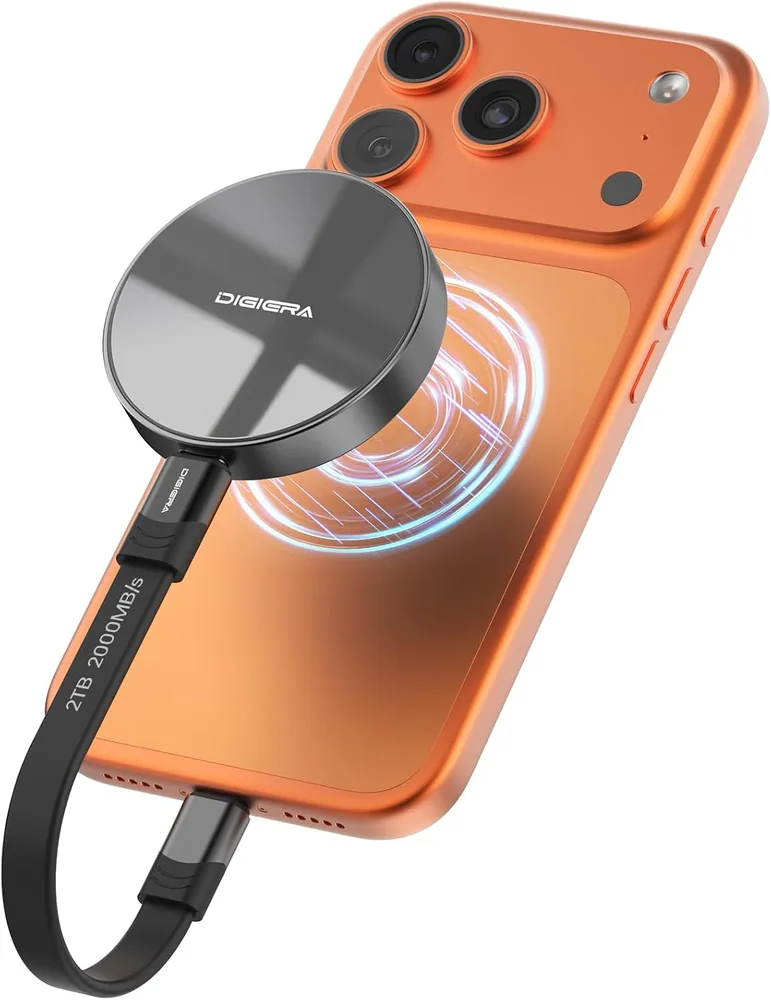
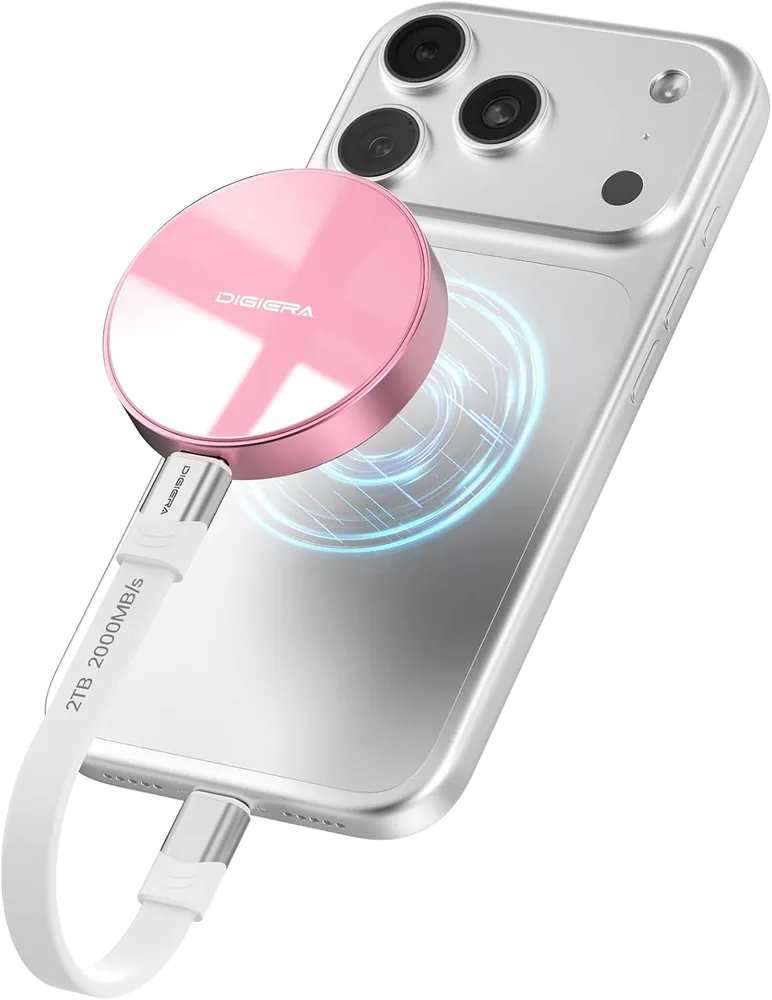

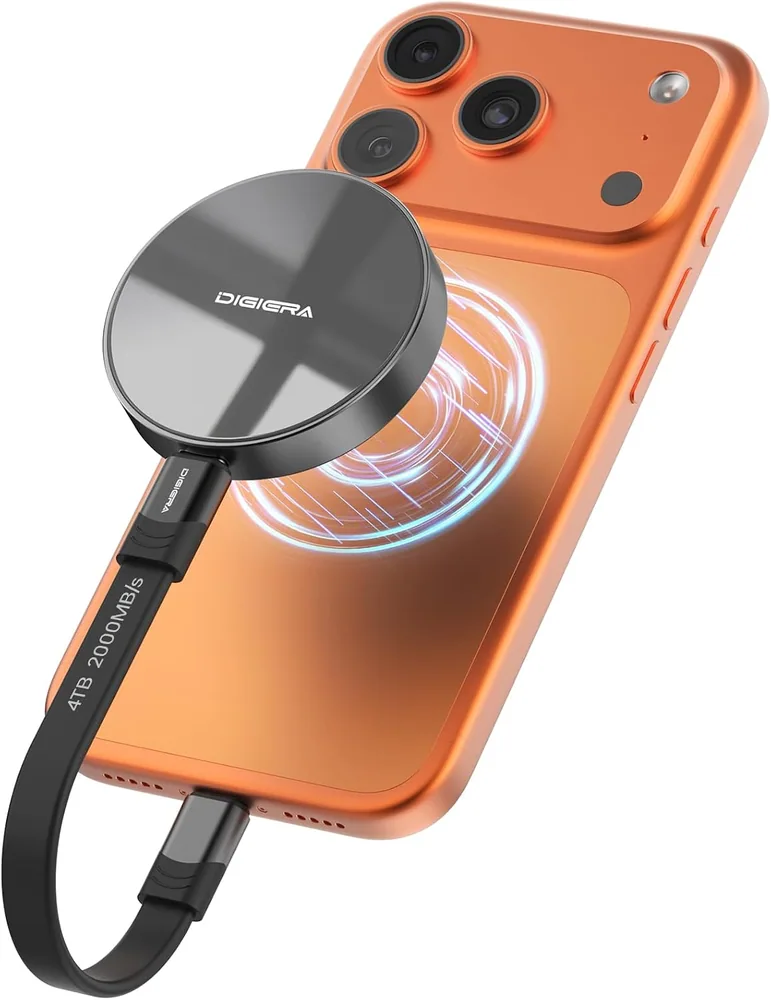
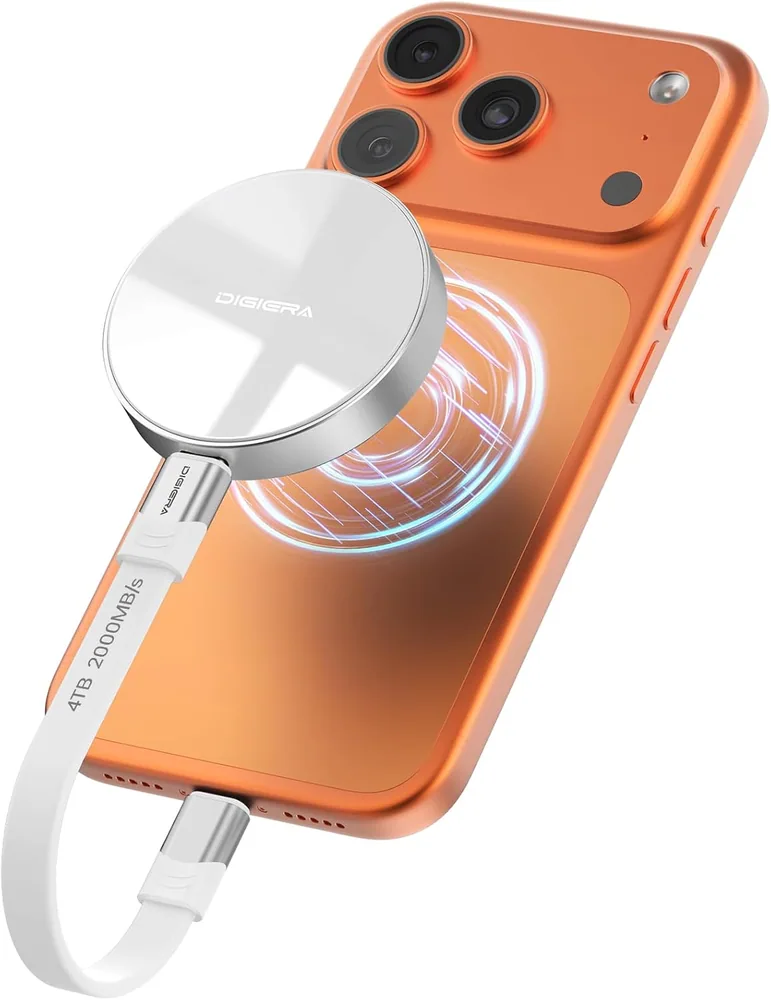


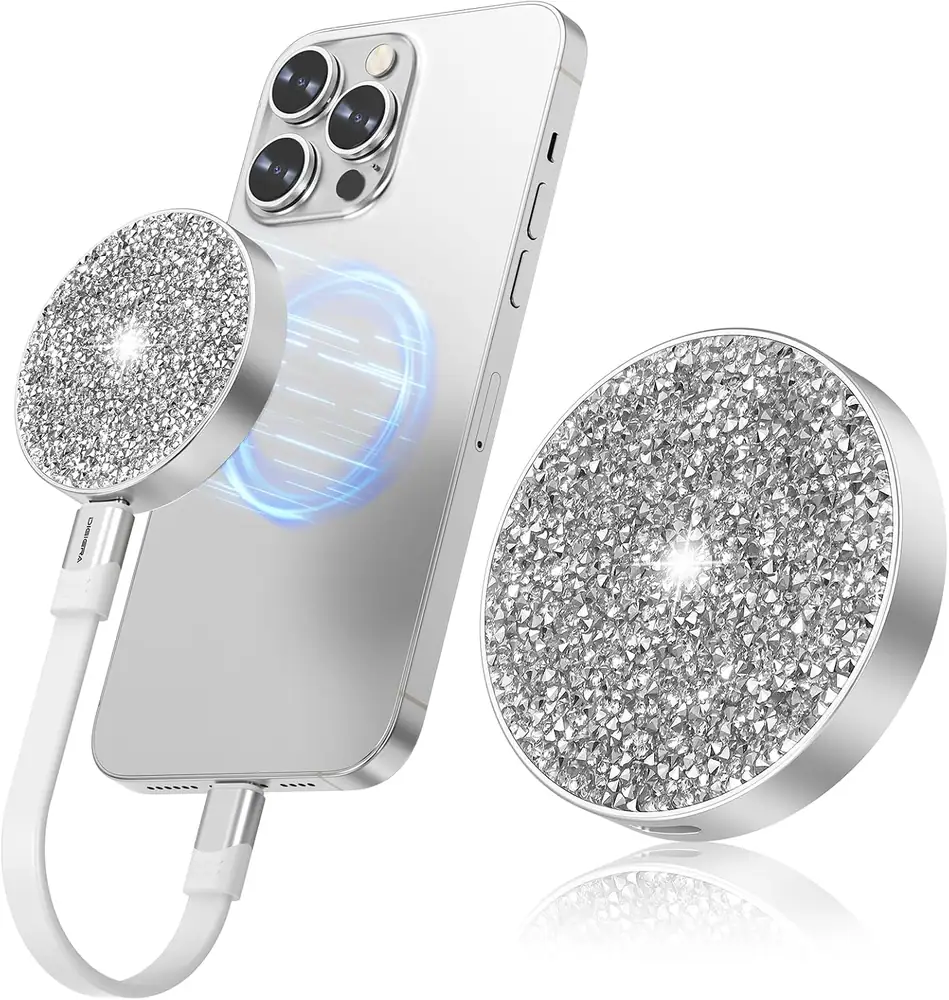
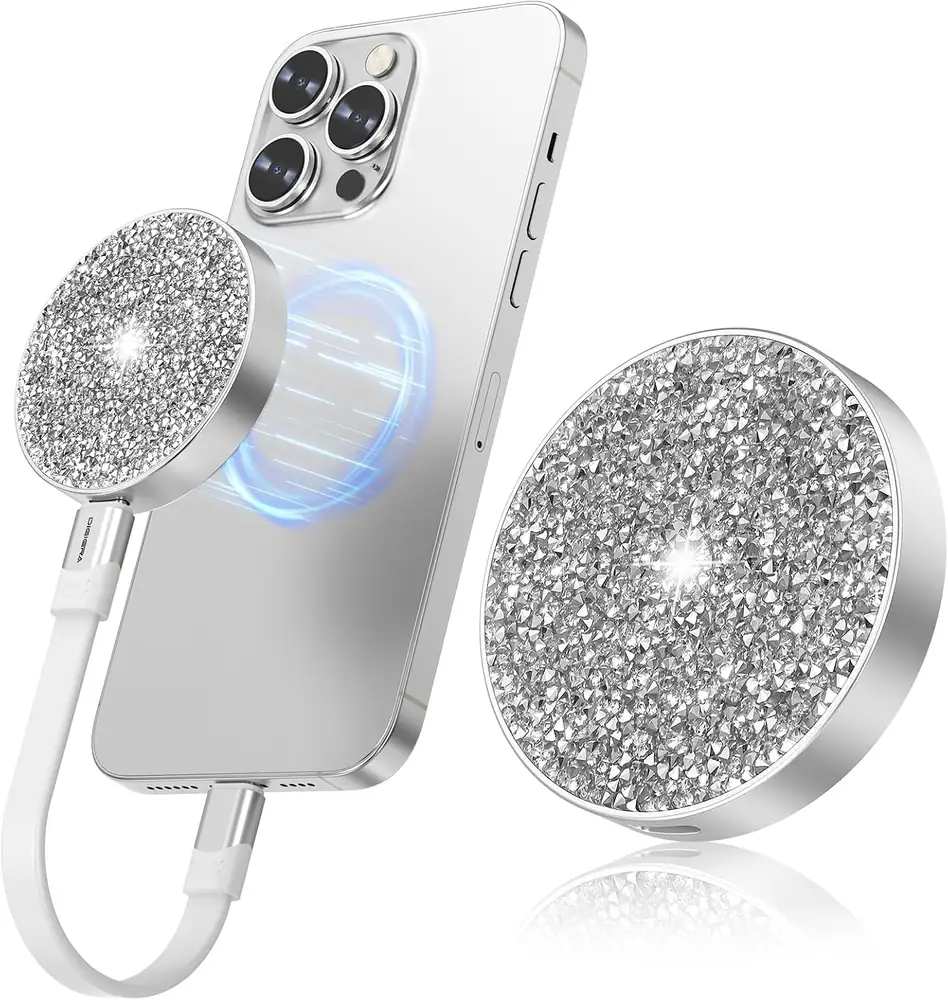

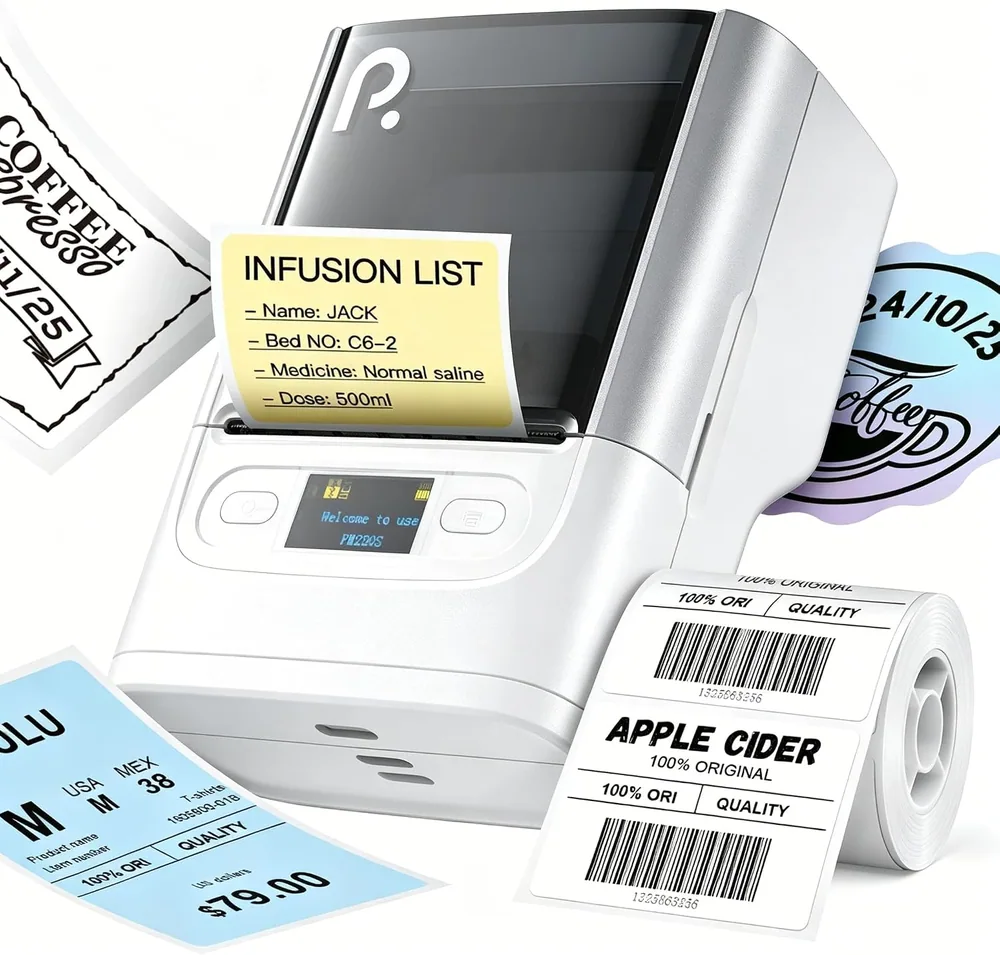
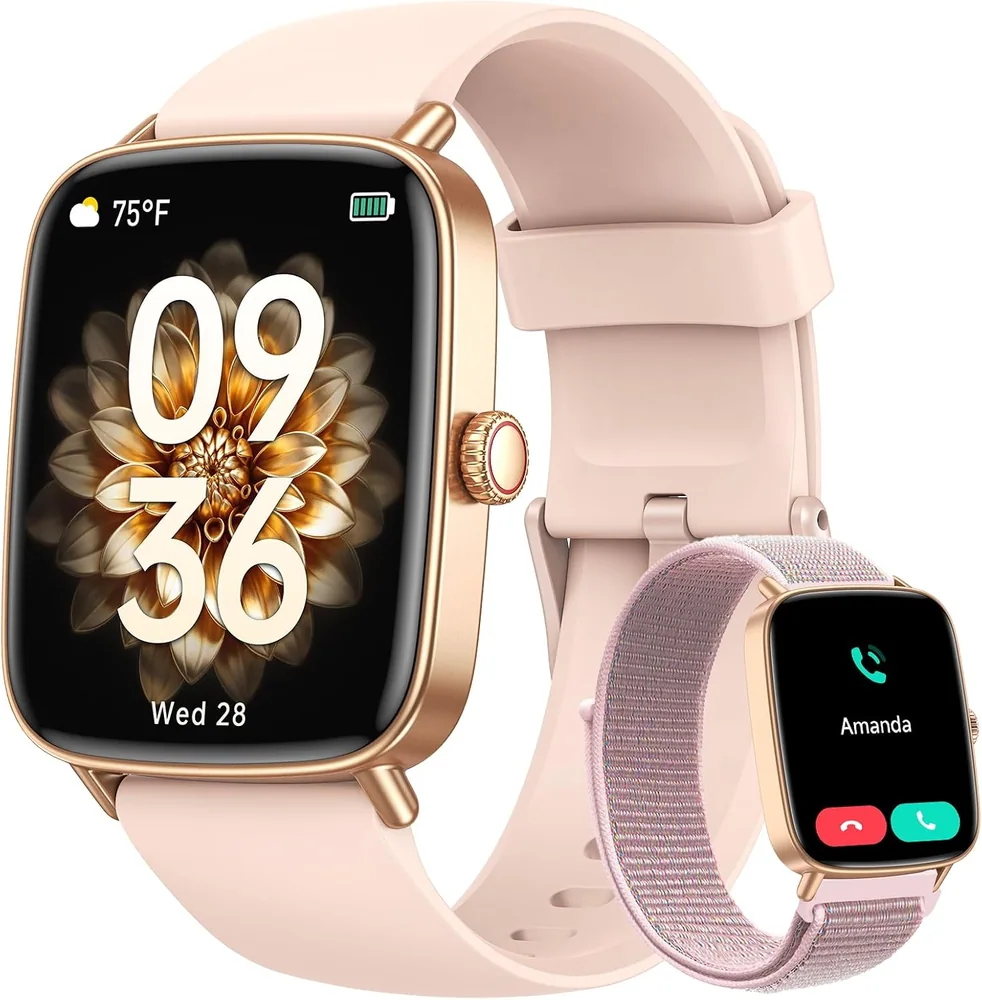

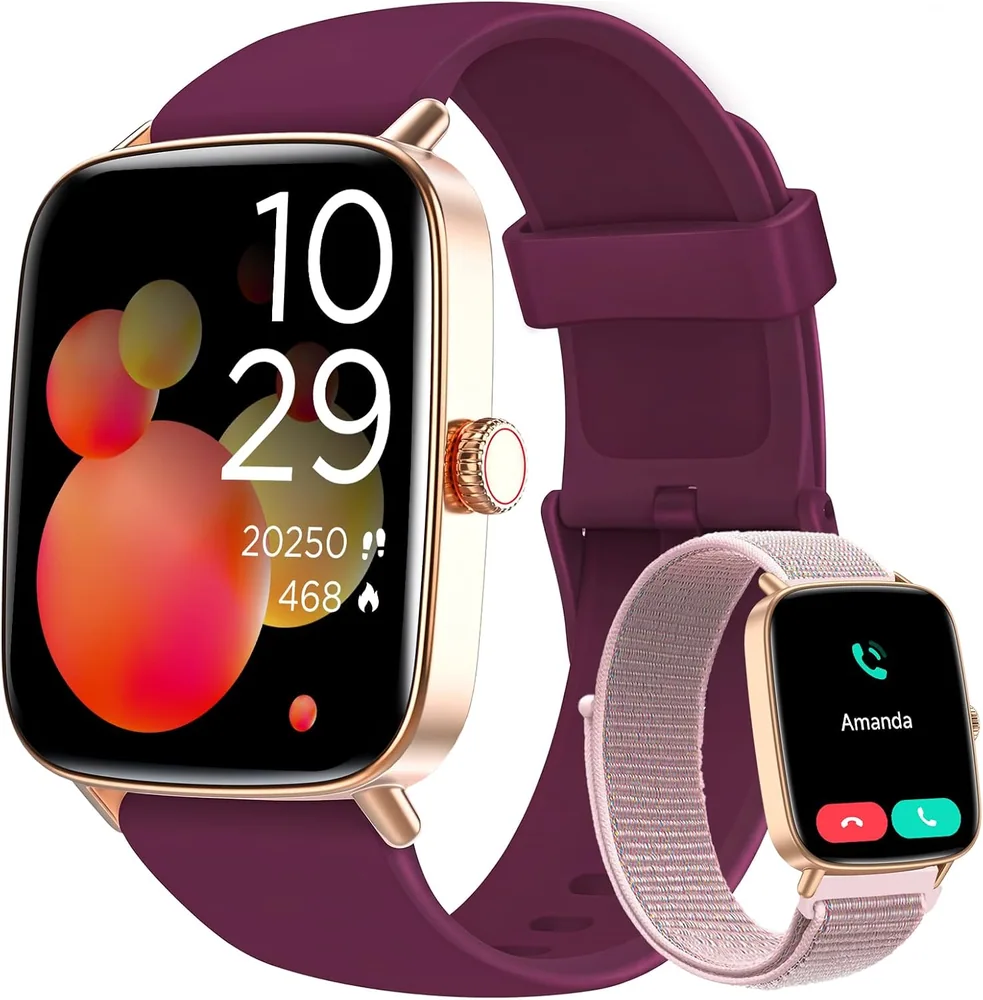

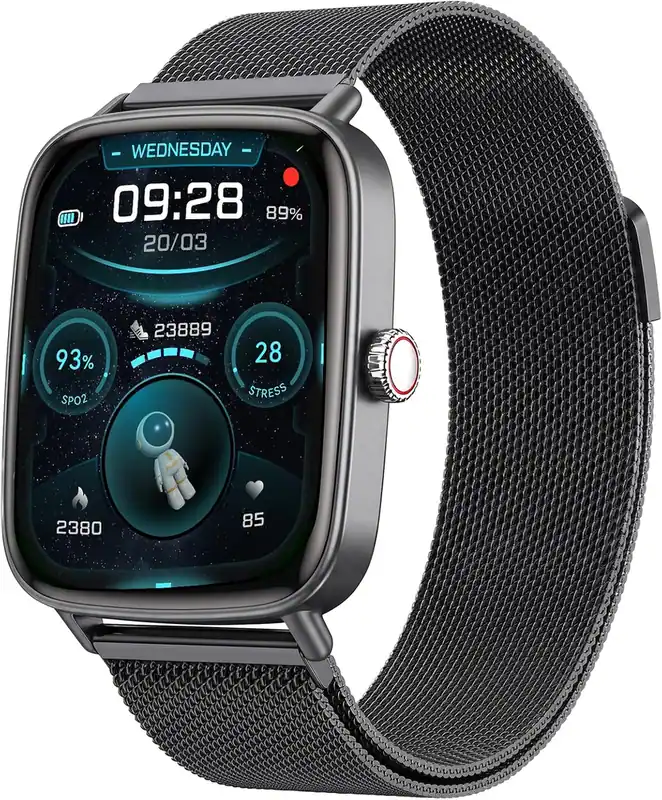
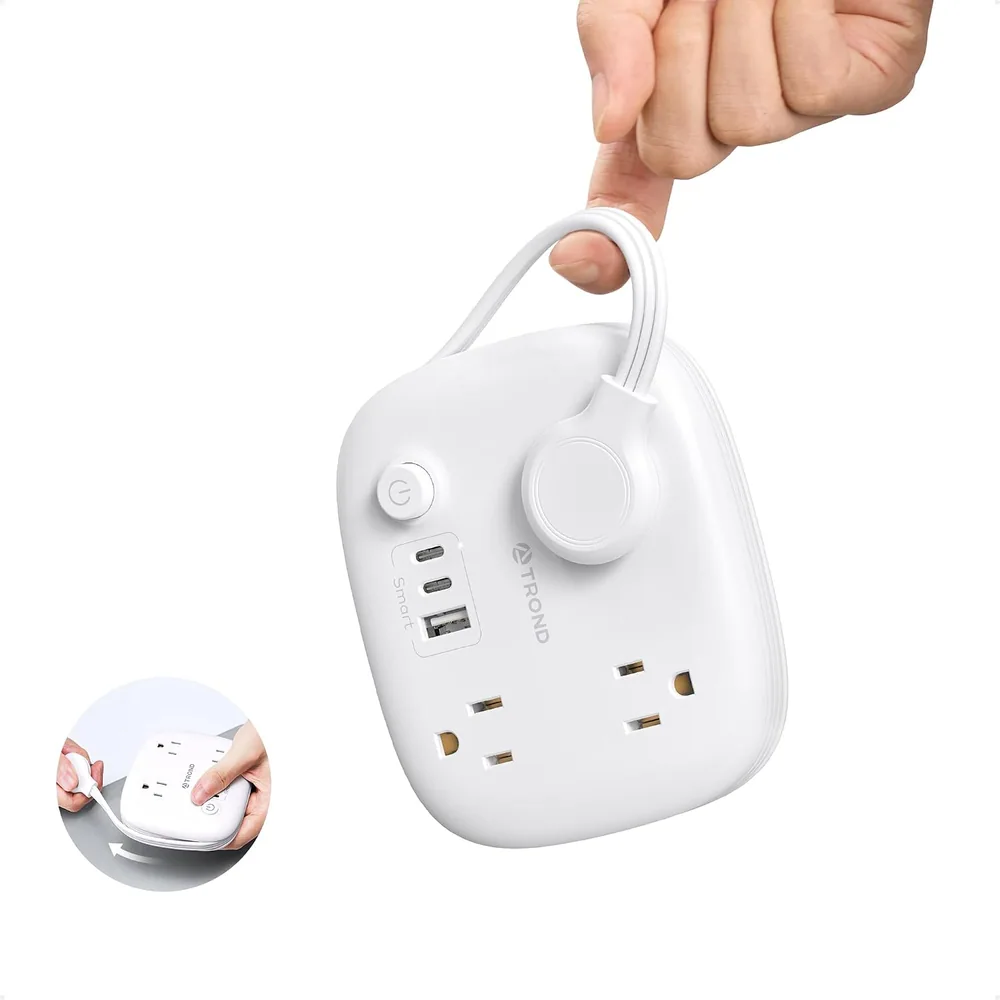
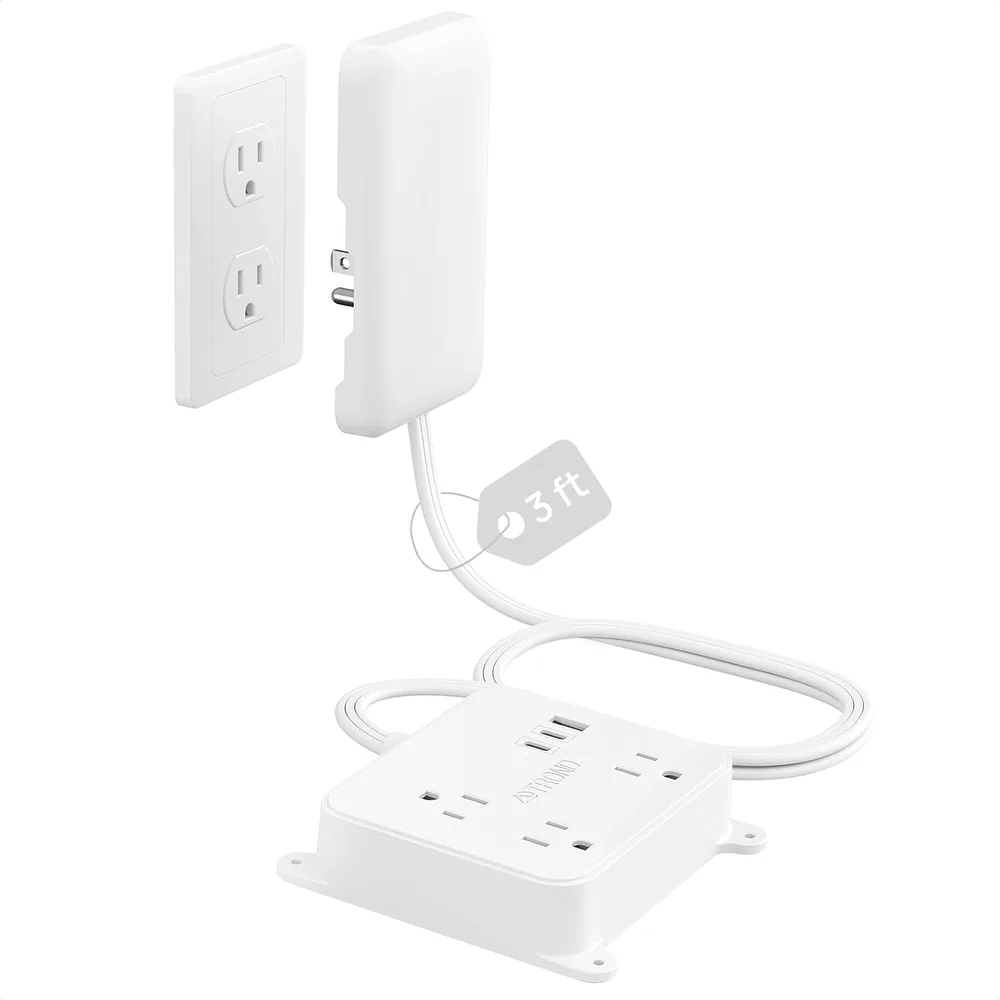



Start with the capacity you need for your largest files and room for future projects. Then check the drive’s interface, the speed your device supports, and the included cable. Compare dimensions and attachment options if you plan to carry the drive on a phone or in a small bag.
A portable SSD is a compact solid-state drive that connects externally to a compatible device. It stores files in flash memory. Most portable drives connect through a cable, and performance depends on the drive, the cable, and the port you use.
A portable SSD can hold backups, move large folders between compatible devices, or store video and editing projects. The best capacity depends on file sizes and how many projects you keep at once. Keep a separate backup of anything you cannot replace.
An external SSD can be useful for storing games, especially when internal storage is limited. Check which games your system can run directly from external storage and which require an internal drive. Compatibility depends on the console or computer, the game, and the connection.
Use a drive, cable, and file format your iPhone supports. When the drive appears in the Files app, choose the files and copy or move them to the drive. Check that the files open from the drive before removing the originals.